In this guide
- Why Length Beats Complexity
- What Actually Makes a Password Strong
- How to Generate a Strong Password: Step by Step
- Passwords vs. Passphrases
- Why You Need a Different Password for Every Account
- Beyond the Password Itself
- Where This Applies Beyond Online Accounts
- Frequently Asked Questions
- The Bottom Line
Most password advice people grew up with is, according to current security research, actually backwards. Forced complexity rules, mandatory symbols, and resetting every 90 days don’t produce stronger passwords — they produce predictable ones, like swapping an “a” for “@” or tacking “!” onto the end of the same word you’ve used for years. Real password strength in 2026 comes down to something simpler: length and uniqueness, generated randomly rather than dreamed up on the spot.
Table of Contents
- In this guide
- Why Length Beats Complexity
- What Actually Makes a Password Strong
- How to Generate a Strong Password: Step by Step
- Passwords vs. Passphrases
- Why You Need a Different Password for Every Account
- Beyond the Password Itself
- Where This Applies Beyond Online Accounts
- Frequently Asked Questions
- The Bottom Line
| Password | Passphrase | |
|---|---|---|
| Form | Kx9#mQ2$vL7@pR4! | blue-cactus-river-mango |
| Ease of remembering | Hard | Easy — it’s a mini sentence |
| Ease of typing | Fiddly on phones | Flows naturally |
| Strength at similar length | High | High (often longer) |
This guide covers what actually makes a password hard to crack, how to generate one properly, and how to manage the reality of needing dozens of them.
Why Length Beats Complexity
Every password can theoretically be guessed through brute force — trying combinations until one works. What makes that impractical is the sheer number of possible combinations, and length affects that number far more dramatically than throwing in a symbol or two.
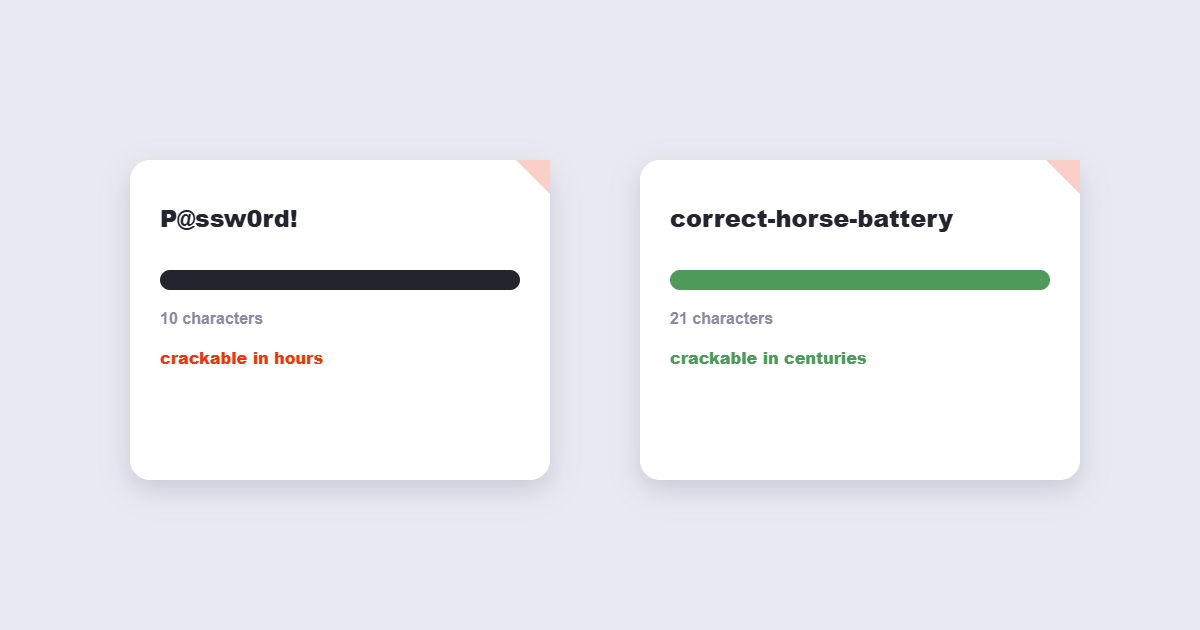
A password with 20 characters, even using only lowercase letters, has more possible combinations than a much shorter password using every character type available. Security researchers examining real-world data breaches — including large-scale ones at major platforms — found that people forced into strict complexity rules didn’t end up with more secure passwords. They ended up with more guessable ones, because the human brain reaches for predictable patterns under those constraints.
Current guidance, including the NIST digital identity standard used as a reference by many security teams, has shifted accordingly: prioritize length over complexity, and stop forcing scheduled resets that just push people toward small, predictable variations of the same password.
What Actually Makes a Password Strong
- Length — at least 12 characters, ideally 16 or more. Longer is the single biggest lever you have.
- Randomness, not memorability. A password you can easily remember is, almost by definition, more predictable than one generated randomly.
- Uniqueness per account. Reusing a password means one breach anywhere exposes every account using that same password.
- No personal information. Names, birthdates, and pet names are among the first things attackers try, often using publicly available information.
How to Generate a Strong Password: Step by Step
Using the free Password Generator tool:
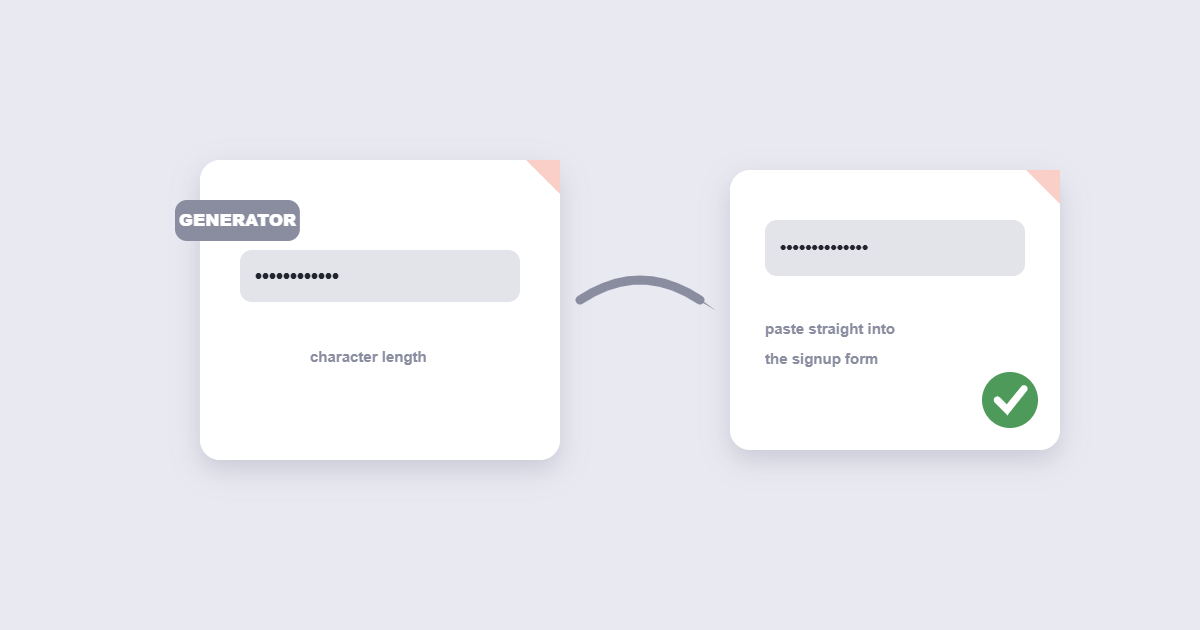
- Set your desired length. Aim for at least 16 characters for anything important.
- Choose which character types to include — uppercase, lowercase, numbers, and symbols.
- Generate. You’ll get a genuinely random password instantly.
- Copy it directly into a password manager rather than trying to memorize or write it down.
Passwords vs. Passphrases
There are two broadly effective approaches to a strong credential, and they solve slightly different problems:
A generated random password — something like a long string of mixed characters — is the strongest option mathematically and is what a password manager stores and autofills for you. Since you’re not typing it from memory, there’s no benefit to it being memorable at all.
A passphrase — several unrelated words strung together — trades a bit of theoretical strength for something a human can actually type or recall without help, useful specifically for a master password you need to remember yourself, like the one unlocking a password manager.
The practical setup most security guidance converges on: one strong passphrase you memorize for your password manager, and randomly generated passwords for literally everything else, stored and autofilled by that manager.
Why You Need a Different Password for Every Account
Data breaches happen constantly, and not always to services you’d expect to be vulnerable. When one service is breached, attackers don’t just target that one platform — they test the same email-and-password combination against banks, email providers, and social media accounts, a technique called credential stuffing. Reusing a password means a breach anywhere becomes a breach everywhere you used that same combination.
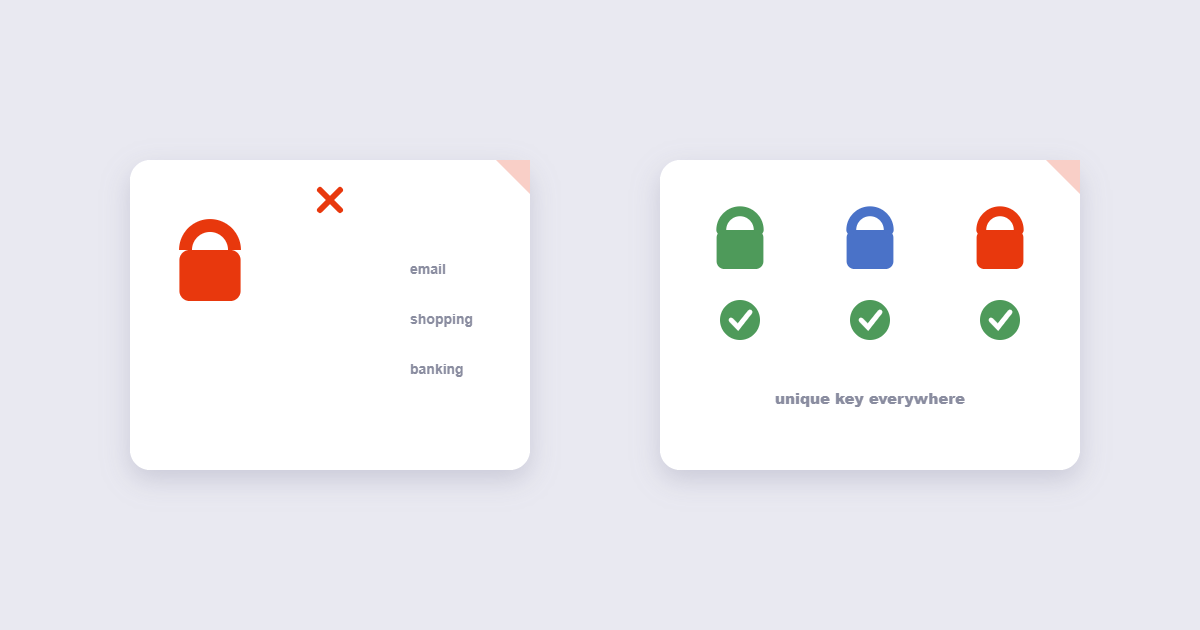
Using a unique, randomly generated password for every account eliminates this risk entirely — a breach at one service simply can’t be used to access anything else, because nothing else shares that password.
Beyond the Password Itself
A strong password is the foundation, not the whole picture. A few additional layers worth knowing about:
- Multi-factor authentication (MFA). Requiring a second verification step — a code from an app, a physical key, or a biometric check — means a stolen password alone isn’t enough to get in.
- Password managers. These generate, store, and autofill unique passwords for every account, removing the need to memorize dozens of complex strings.
- Passkeys. A newer, passwordless authentication method growing in adoption, tied to your device rather than a memorized secret.
Where This Applies Beyond Online Accounts
The same principles apply directly to protecting files, not just logins. If you’re adding a password to a sensitive PDF — a contract, a financial statement, personal records — the same rules hold: longer and more random beats short and memorable. Our guide on how to password protect a PDF covers how to apply this specifically to documents, including how to share the password safely once the file is locked.
The NIST guidelines recommend length over complexity for user-chosen secrets.
Frequently Asked Questions
How long should a strong password actually be?
At least 12 characters as an absolute minimum, with 16 or more recommended for anything genuinely important — length matters more than any other single factor in resisting brute-force attacks.
Is it safe to use a password generator online?
A generator that creates the password locally in your browser, rather than sending your request to a server, is the safer choice — worth confirming for any tool handling something as sensitive as a password.
Do I really need a different password for every single account?
Yes — this is the single most effective defense against credential stuffing, where a breach at one service is used to try accessing your other accounts with the same reused password.
Are passphrases as secure as random passwords?
A sufficiently long passphrase of unrelated words can be very strong, though a fully random generated password of equivalent length is generally considered the stronger option — passphrases are most useful specifically where you need to remember something yourself.
The Bottom Line
Strong password practices in 2026 are simpler than the old advice made them seem: prioritize length over complexity, generate passwords randomly instead of inventing them, and never reuse one across accounts. Use the free Password Generator for a genuinely random password whenever you need one, and pair it with a password manager so you never have to memorize the results yourself.