
In this guide
- What Is a QR Code?
- Why QR Codes Matter (and Why Not Just Use a Regular Barcode?)
- What Can You Actually Put in a QR Code?
- How to Create a QR Code: Step by Step
- Best Practices for QR Codes That Actually Work
- Common Mistakes to Avoid
- Static vs. Dynamic QR Codes
- Are QR Codes Safe to Scan?
- QR Codes vs. Barcodes
- Frequently Asked Questions
- Final Thoughts
Point a phone camera at a small grid of black and white squares, and a menu, a WiFi network, or a website loads almost instantly. That grid is a QR code, and despite how common it’s become, most people using them every day have never actually needed to know how they work — until they need to make one themselves, and the options (static or dynamic, which error correction level, what data type) suddenly raise more questions than expected.
Table of Contents
- In this guide
- What Is a QR Code?
- Why QR Codes Matter (and Why Not Just Use a Regular Barcode?)
- What Can You Actually Put in a QR Code?
- How to Create a QR Code: Step by Step
- Best Practices for QR Codes That Actually Work
- Common Mistakes to Avoid
- Static vs. Dynamic QR Codes
- Are QR Codes Safe to Scan?
- QR Codes vs. Barcodes
- Frequently Asked Questions
- Final Thoughts
| Feature | QR code | Barcode |
|---|---|---|
| Shape | 2D square of modules | 1D vertical bars |
| Data capacity | High (URLs, text, contact info) | Low (short numeric codes) |
| Scanning | Any phone camera, any angle | Needs a scanner or app |
| Error correction | Works even when partly damaged | No self-repair |
This guide covers what a QR code actually is, why it can hold so much more information than a standard barcode, and how to create one for free in under a minute.
What Is a QR Code?
A QR code — short for “Quick Response” code — is a two-dimensional barcode that stores data in a grid of black and white squares called modules. It was invented in 1994 by Denso Wave, a subsidiary of Toyota, originally to track automotive parts through manufacturing more quickly than the one-dimensional barcodes used at the time.
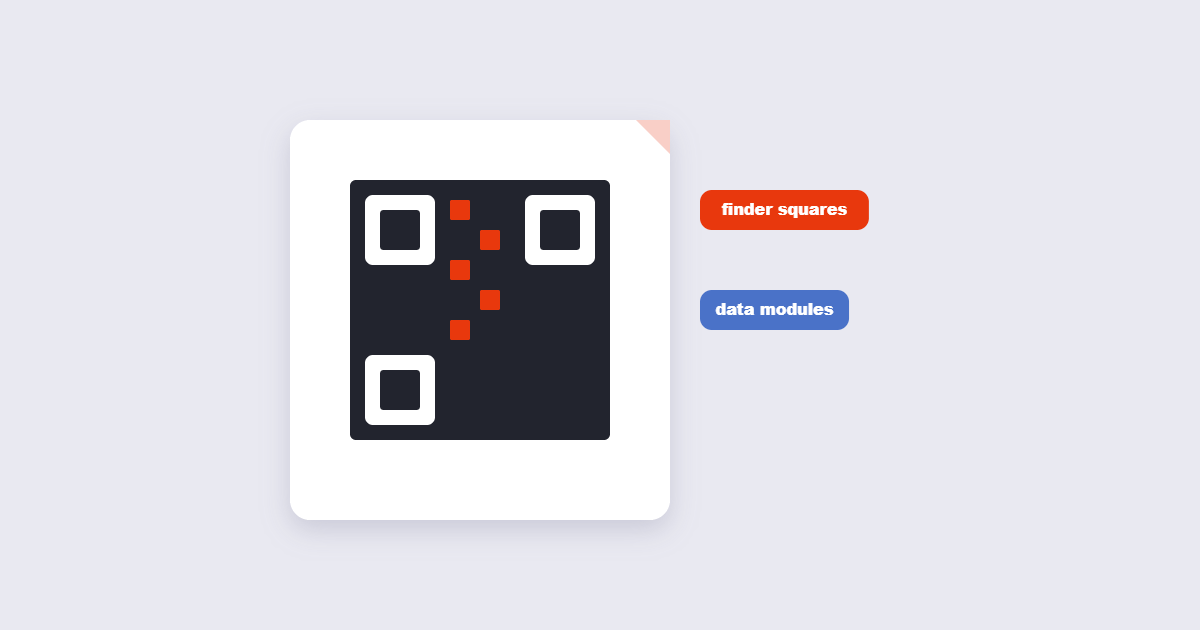
Three distinctive squares in three corners of every QR code — called finder patterns — let a scanner instantly recognize the code and determine its orientation, even if the phone or the code itself is tilted. Once oriented, the scanner reads the grid, decodes the pattern into binary data, and hands that data off to whatever app is doing the scanning.
Why QR Codes Matter (and Why Not Just Use a Regular Barcode?)
A standard one-dimensional barcode stores data in a single line of varying-width bars, which limits it to a relatively small number of characters — typically just enough for a product number. A QR code stores data across two dimensions instead of one, which lets it hold dramatically more information — full website URLs, WiFi credentials, or complete contact cards — in a similar amount of physical space.
QR codes also include built-in error correction using a method called Reed-Solomon coding, the same general class of algorithm used to keep scratched CDs and DVDs readable. This means a QR code can still scan successfully even if a meaningful portion of it is smudged, torn, or obscured by a logo placed in the middle — exactly why you’ll often see a company logo sitting in the center of an otherwise functional QR code.
What Can You Actually Put in a QR Code?
QR codes aren’t limited to website links, though that’s the most common use. Common data types include:
- URLs — the most common use, opening a webpage directly.
- Plain text — a message displayed directly without opening anything else.
- WiFi credentials — network name and password, connecting a phone automatically without typing.
- Contact cards (vCard) — name, phone, email, and company saved directly to a phone’s contacts.
- Email or SMS — pre-filling a message ready to send.
How to Create a QR Code: Step by Step
Step 1: Decide what you want the code to do
Pick your data type first — a URL, WiFi details, plain text, or contact information — since this determines what you’ll need to enter.

Step 2: Enter your content
Using the free QR Code Generator, type or paste in your URL, text, or other content.
Step 3: Adjust the design if needed
Colors can generally be customized to match branding, provided there remains enough contrast between the foreground and background for reliable scanning — very light colors on a light background are the most common cause of a QR code that looks fine but won’t scan.
Step 4: Generate, test, and download
Generate the code, then actually scan it yourself with a phone before using it anywhere public. This catches the two most common mistakes — a typo in the destination URL and a contrast setting that looks fine on screen but fails in print.
Best Practices for QR Codes That Actually Work
- Keep enough contrast. Dark modules on a light background remain the most reliably scannable combination — subtle color pairings look nice but can fail under imperfect lighting.
- Leave a quiet zone. The blank white margin around a QR code isn’t wasted space — scanners use it to distinguish the code from its surroundings, and cropping it too tight can cause scan failures.
- Test at the actual size you’ll use. A code that scans fine on a laptop screen at full size may fail once shrunk down onto a business card — test at final size and printing method before mass-producing anything.
- Test in the actual lighting conditions where it’ll be used. A code on a restaurant table under dim lighting behaves differently than the same code tested under a bright office light.
Common Mistakes to Avoid
- Making the code too small. Below a certain size, the individual modules become difficult for a camera to distinguish, particularly at a distance or in poor lighting.
- Placing a logo that’s too large in the center. A small logo generally still allows the built-in error correction to compensate; covering too much of the pattern can push a code past what it can recover from.
- Not testing before printing at scale. A single test scan on a screen takes seconds and can save an entire print run of unusable codes.
- Linking to a URL that will change or expire. Once a static QR code is printed, its destination is fixed — pointing it at a stable URL you control avoids codes that quietly stop working later.
Static vs. Dynamic QR Codes
| Static QR Code | Dynamic QR Code | |
|---|---|---|
| Destination | Fixed permanently at creation | Can be updated later without reprinting |
| Cost | Typically free to generate | Usually requires an ongoing service or subscription |
| Best for | Content that won’t change — WiFi passwords, fixed contact info | Marketing campaigns or content that may need updating |
| Scan tracking | Not available | Usually available through the dynamic service provider |
For most everyday needs — a WiFi network at home, a link on a printed flyer for a one-time event, contact details on a business card — a free static code is simpler and sufficient. Dynamic codes make more sense specifically when you expect to need to redirect the same printed code to a different destination later, which requires an ongoing service to manage that redirect.
Are QR Codes Safe to Scan?
A QR code itself is just a container for data — it can’t run code or infect a device on its own. The actual risk is the same as clicking any unfamiliar link: a QR code can be created to point to a malicious or deceptive website just as easily as a legitimate one. Reasonable caution applies here just as it would with any link — check the destination shown by your phone before proceeding if it looks unfamiliar, and be wary of QR codes in public places that look like they’ve been stuck over an original code, a known tactic for redirecting scans to a fraudulent destination.
QR Codes vs. Barcodes
If you’re deciding between the two for a specific use, a traditional barcode remains the standard for retail product identification, where systems are already built around formats like UPC and EAN. A QR code makes more sense whenever you need to store more than a short numeric identifier — a full URL, contact card, or WiFi credentials — or want something a phone camera can scan directly without a dedicated barcode scanner.
QR codes are standardized as ISO/IEC 18004.
Frequently Asked Questions
Do I need an app to scan a QR code?
No, modern iPhones and Android phones can scan QR codes directly through the built-in camera app without installing anything extra.
How much data can a QR code actually hold?
A standard QR code can hold thousands of numeric digits or several thousand alphanumeric characters, though practical uses like a website URL typically use only a small fraction of that capacity.
Can a QR code still work if it’s partially damaged or dirty?
Yes, to a degree — built-in error correction allows a QR code to remain scannable even with a meaningful portion of the pattern damaged, obscured, or covered by a small logo.
What’s the difference between a static and dynamic QR code?
A static QR code’s destination is fixed permanently when it’s created, while a dynamic QR code redirects through a service that lets you change the destination later without reprinting the code itself.
Can I customize the color of a QR code?
Yes, as long as there’s enough contrast between the foreground and background colors for a scanner to distinguish the pattern reliably.
Is it safe to scan any QR code I come across?
Treat an unfamiliar QR code with the same caution as an unfamiliar link — check the destination your phone shows before proceeding, especially for codes in public places that could have been tampered with or stuck over an original.
Do QR codes expire?
A static QR code doesn’t expire on its own, though the destination it points to (like a webpage) could change or go offline independently of the code itself.
What’s the smallest size a QR code can be printed at?
This depends on how much data is encoded and the scanning distance — codes with less data can be printed smaller, while denser codes need more physical size to remain reliably scannable. Testing at your actual intended print size is the most reliable way to confirm it works.
Choosing between barcode and QR? See our Barcode vs QR code comparison.
Final Thoughts
A QR code is a genuinely simple piece of technology once you look past the black-and-white pattern — a two-dimensional container for data with built-in resilience against damage. Whether you need one for a WiFi network, a business card, or a link to your website, the free QR Code Generator creates one in seconds, with no software to install and no cost involved.