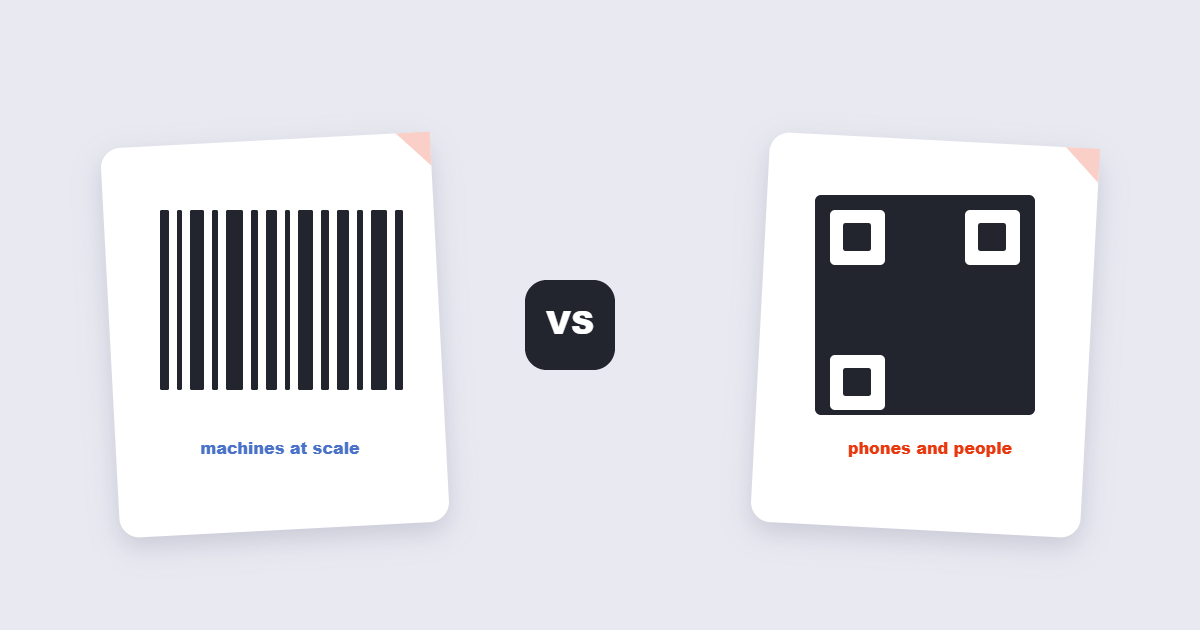
Barcodes and QR codes get treated as rivals, but they were built for completely different jobs. The classic barcode is a machine’s nickname for a product – a short string of digits a laser scanner reads in a warehouse aisle. A QR code is a tiny portal – a link, a Wi-Fi password, a contact card that any phone camera can open. Choosing wrong doesn’t just look odd: a QR code on a retail shelf confuses the checkout scanner, and a barcode on a poster asks the reader to type thirty digits by hand. Here’s the actual difference, and how to pick.
Table of Contents
What Is the Actual Difference?
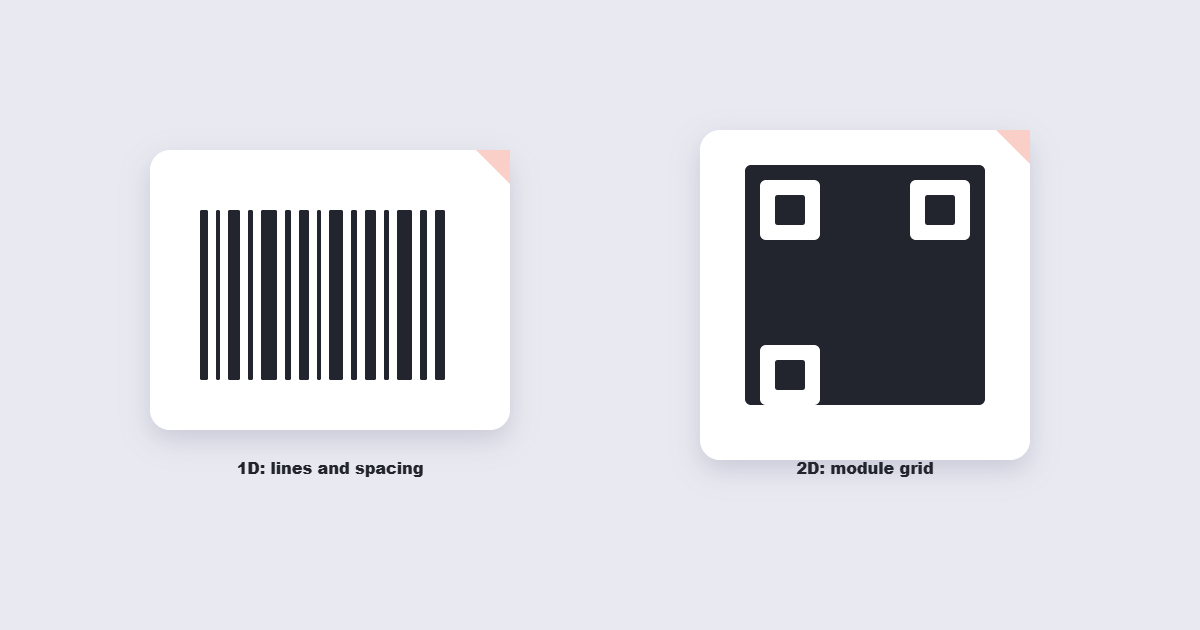
Dimension is the technical headline. A barcode is one-dimensional: information lives in the widths and spacing of vertical lines, read left to right. A QR code is two-dimensional: information is encoded in a grid of black and white modules, read as a pattern. That single difference cascades into everything that matters – how much data fits, what can scan it, and how badly it can be damaged before it stops working. QR codes also carry built-in error correction: up to 30% of the code can be obscured or damaged and it still scans, which is why they survive being printed on coffee cups.
What Each One Can Actually Store
| Barcode (Code 128 / EAN) | QR code | |
|---|---|---|
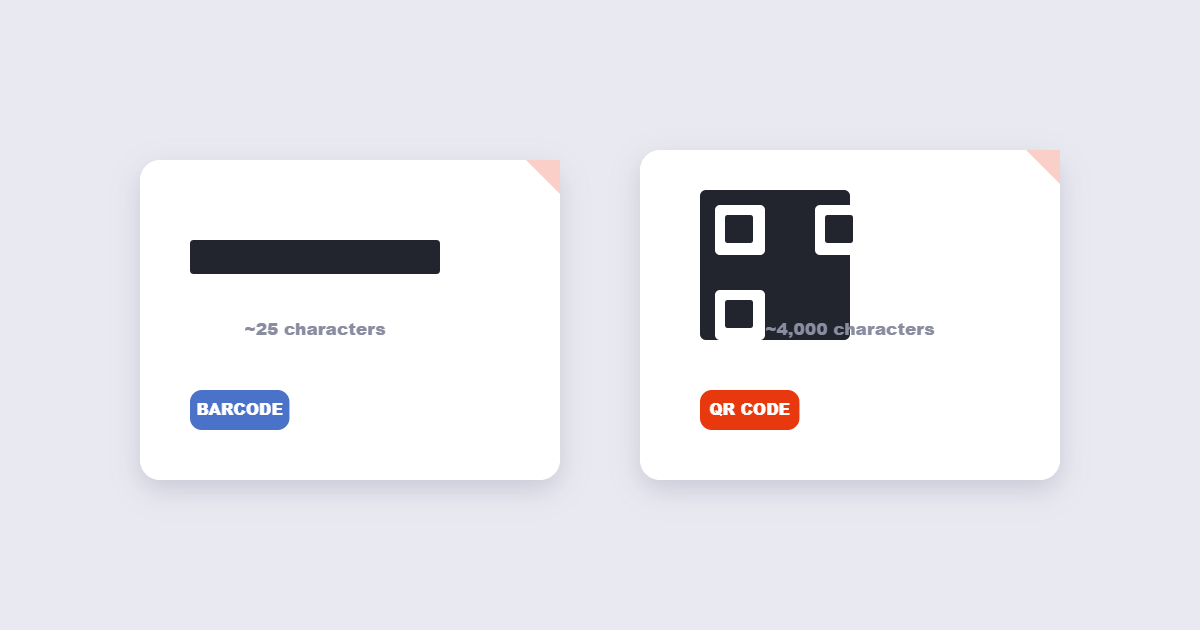
| Capacity | ~20-25 characters | Up to ~4,000 alphanumeric characters |
| Data type | Numbers, limited letters | URLs, text, Wi-Fi, vCards, apps |
| Scanner | Laser/CCD scanners, some phones | Any modern phone camera |
| Error correction | Minimal | Up to 30% damage recoverable |
| Standardization | GS1 global retail standards | Open ISO standard (ISO/IEC 18004) |
Both are open, royalty-free formats. The barcode’s limitation isn’t technology – it’s purpose: retail barcodes exist to match a physical product to a database entry, not to carry the database with them.
When a Barcode Is the Right Choice
Choose a barcode when machines at scale do the scanning. Retail checkout (EAN/UPC codes on every product), warehouse inventory, library systems, event tickets scanned by turnstile hardware, membership cards – these run on dedicated scanner hardware that reads 1D codes instantly from any angle of approach, often without the operator pressing anything. Barcodes also degrade gracefully: a scratched stripe still usually scans because the checksum digit catches errors. If your ecosystem is scanners, gloves and speed, the barcode wins and the QR code is a novelty.
When a QR Code Wins
Choose a QR code when the scanner is a customer’s phone and the payload is an experience: a menu that opens a website, a poster that starts a download, a Wi-Fi card that configures the network on tap, a business card that becomes a contact. QR codes carry hundreds of times more data, work on hardware everyone already owns, and their error correction forgives real-world printing. The honest caveat: QR codes demand a conscious act – the person has to decide to scan – while barcodes are read invisibly by machines. That makes QR codes marketing tools and barcodes logistics tools.
Can Phones Scan Regular Barcodes?
Increasingly, yes – but don’t build a campaign on it. Modern iOS and Android cameras recognize common 1D formats (EAN, UPC, Code 128), and many inventory apps use the phone camera as a budget scanner. The problems are speed and ergonomics: camera scanning is slower than laser, struggles in poor light and at distance, and a 20-character numeric result still has to land somewhere useful. If your workflow ends with “now type this into the system,” the phone is a compromise. If it ends with “open this webpage,” the QR code was the right code all along.
The Decision Table
| You’re building… | Use | Why |
|---|---|---|
| Retail product labels | Barcode (EAN/UPC) | GS1 standard, laser-fast checkout |
| Warehouse inventory | Barcode | Dedicated scanners, gloves, speed |
| Restaurant menu | QR code | Every guest has the scanner |
| Wi-Fi sharing card | QR code | Joins the network on scan |
| Poster with a link | QR code | One camera gesture to content |
| Event ticket at a gate | Either | QR for phones, barcode for turnstiles |
How to Create One Free
Both take under a minute. For product-style barcodes, the barcode generator renders standard 1D formats you can download and print – note that genuine retail EAN numbers must come from GS1, not be invented. For everything phone-facing, the QR code tool builds codes for URLs, text, Wi-Fi and contacts; see our QR code guide for the design rules (contrast, quiet zone, tested print size). Whichever you generate, test it with the actual scanner that will read it – the checkout gun, the turnstile, or three different phones – before you print a thousand labels.
Frequently Asked Questions
Can a phone camera scan a regular barcode?
Modern phones recognize most common 1D formats, but slower than dedicated lasers and awkward for long numeric strings. For retail-grade scanning, use real scanner hardware.
Do QR codes expire or stop working?
The code itself never expires – it’s just data. What expires is the destination: a static QR code pointing at a dead link scans forever into nothing. Dynamic QR services can repoint codes but require a subscription.
Are QR codes a security risk?
The code shows you nothing about where it leads, which criminals exploit with fake stickers over real codes. Check the preview URL after scanning before entering any credentials – our guide covers safe QR practices.
What barcode format do shops use?
Retail products carry EAN-13 (or UPC-A in North America) numbers assigned through GS1, encoded in the barcode printed on packaging.
How much data fits in a QR code?
Up to about 4,000 alphanumeric characters, though the more data you pack, the denser the code and the harder it scans. Short URLs scan most reliably.
Can I generate a barcode for my own product?
You can generate the barcode image for any code free – but legitimate retail EAN numbers must be licensed from GS1 so your product is unique in the global database.
The Short Version
Barcodes talk to machines at scale; QR codes talk to people with phones. Product identification and inventory → barcode. Content, links and anything a customer should open → QR code. Both generate free in seconds – the only expensive mistake is choosing by habit instead of by scanner.