In this guide
- What Counts as a “Word,” Exactly?
- Word Count vs. Character Count: When Each One Matters
- Common Word and Character Limits
- How to Check Your Word or Character Count: Step by Step
- Best Practices
- Common Mistakes to Avoid
- Word Counting for Different Types of Writing
- Frequently Asked Questions
- Final Thoughts
An essay capped at 650 words, a LinkedIn post that reads better under 100, a tweet that gets cut off mid-sentence — word and character limits show up everywhere in writing, and they mean different things depending on where you’re publishing. Knowing the right target before you write saves you from a frustrating trim-down (or a scramble to add more) after the fact.
Table of Contents
- In this guide
- What Counts as a “Word,” Exactly?
- Word Count vs. Character Count: When Each One Matters
- Common Word and Character Limits
- How to Check Your Word or Character Count: Step by Step
- Best Practices
- Common Mistakes to Avoid
- Word Counting for Different Types of Writing
- Frequently Asked Questions
- Ideal Word Counts for Every Common Format
- Reading Time by Word Count
- Final Thoughts
| Where | Typical limit |
|---|---|
| Meta description (SEO) | ≈ 155 characters |
| X / Twitter post | 280 characters |
| Instagram caption | 2,200 characters |
| YouTube title | ≈ 100 characters |
| College application essay | 500–650 words |
| Standard blog post | 1,000–2,000 words |
What Counts as a “Word,” Exactly?
Most word counters split text on whitespace and punctuation, counting each resulting chunk as one word. This produces a few results that surprise people: “don’t” counts as one word, while “do not” counts as two, even though they mean the same thing. Hyphenated terms like “well-known” are typically counted as a single word. These small inconsistencies rarely matter for a rough estimate, but they’re worth knowing if you’re counting against a strict, exact limit.
Word Count vs. Character Count: When Each One Matters
Essays, articles, and most written assignments are measured in words. Social media platforms and SMS, on the other hand, almost universally use character limits instead — which matters because word count and character count don’t scale together in any fixed way. A sentence full of short words fits more words into the same character budget than one full of long words.
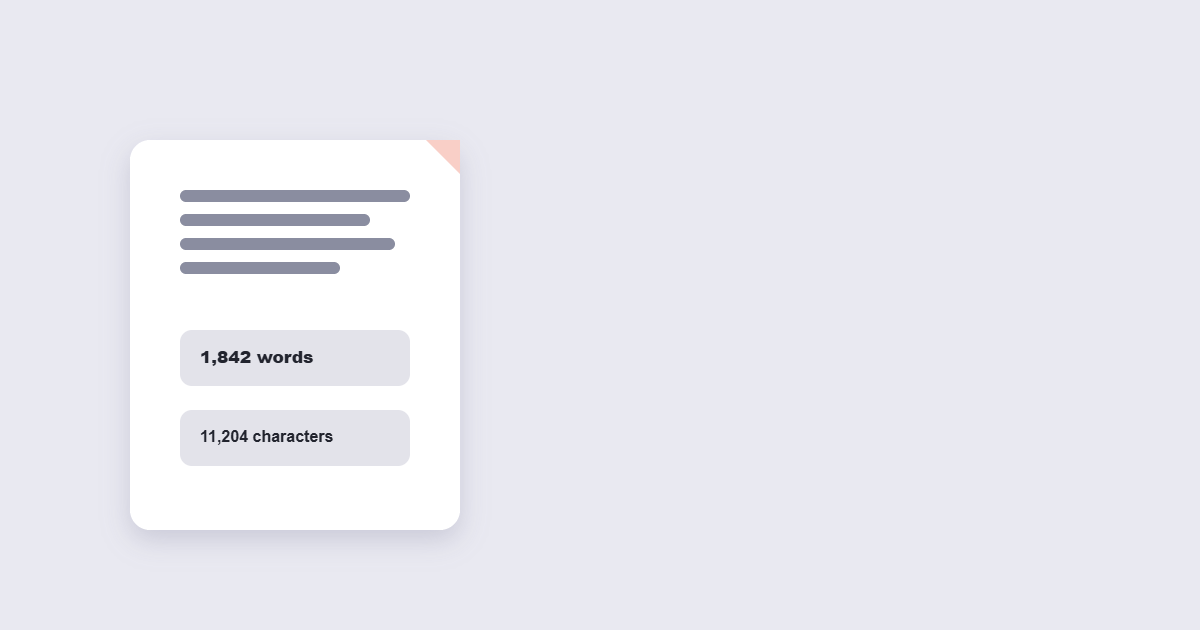
Practically: if you’re writing an essay with a word-count requirement, count words. If you’re writing a tweet, a meta description, or an SMS, count characters, since that’s what the platform is actually going to enforce.
Common Word and Character Limits
| Context | Typical Limit |
|---|---|
| X (Twitter) post | 280 characters (free tier) |
| SMS text message | 160 characters per segment (fewer with emoji/special characters) |
| Google search meta description | Roughly 150–160 characters before truncation |
| LinkedIn post (before “see more”) | Roughly 200–210 characters shown in feed |
| Standard printed page | Roughly 250 words (single-spaced, 12pt font, standard margins) |
Platforms adjust these limits periodically, so treat these as commonly-cited current benchmarks rather than fixed rules — check the specific platform if you’re working against a hard requirement.
How to Check Your Word or Character Count: Step by Step
Step 1: Know which limit actually applies
Confirm whether you’re working against a word limit (common for essays and articles) or a character limit (common for social platforms and SMS) before you start checking.
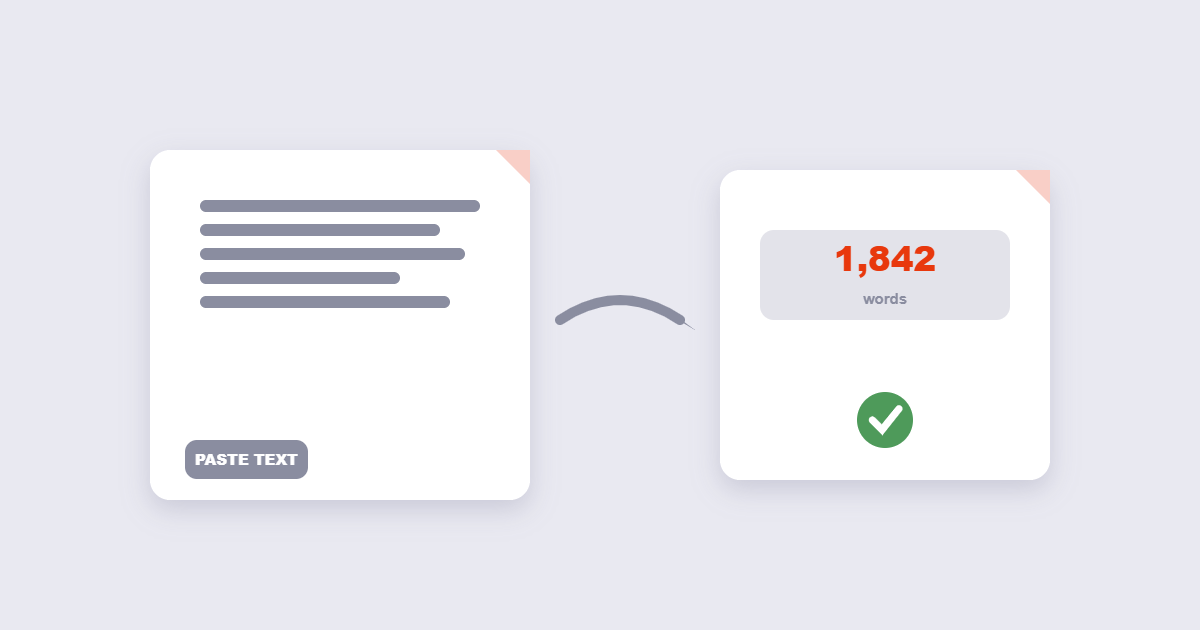
Step 2: Paste your text into a counter
Using the free Word Counter tool, paste in your draft to see word count, character count (with and without spaces), and estimated reading time instantly.
Step 3: Check against your target
Compare the result against your actual requirement — an assignment’s word count, a platform’s character limit, or your own target length.
Step 4: Trim or expand as needed
Cut filler and redundant phrasing if you’re over, or add genuinely relevant detail rather than padding if you’re under — a counter shows you where you stand, but doesn’t fix bloated or thin writing on its own.
Best Practices
- Check both count types if you’re unsure which one applies. A reliable word counter shows word count and character count together, so you’re not left guessing which figure matters for your specific situation.
- Don’t treat a word count target as a rule to hit exactly. A well-argued 580-word essay against a 650-word target beats a padded 650-word one that says the same thing with extra filler.
- For reading time estimates, remember they’re averages. Standard non-fiction reading speed is commonly estimated around 200 words per minute, though this varies by reader and content complexity — use it as a rough guide, not a guarantee.
Common Mistakes to Avoid
- Checking word count when the platform actually enforces characters. A short-word-heavy paragraph can be well under a word count target while still exceeding a character-based platform limit.
- Padding to hit a minimum word count with filler. This is usually detectable to a reader (or a grader) and rarely improves the actual quality of the writing.
- Forgetting that headings, captions, or metadata sometimes count separately from body text, depending on the specific requirement you’re working against — check what’s actually included before assuming your whole document’s word count applies.
- Copy-pasting from a PDF without checking for formatting artifacts. Text extracted from PDFs occasionally introduces extra line breaks or spacing that can slightly skew a count — a quick visual check catches this.
Word Counting for Different Types of Writing
Different formats carry different expectations, and knowing the general range for what you’re writing helps you plan before you start rather than trim after the fact. A cover letter or LinkedIn post generally reads best well under a few hundred words. A blog post or article aiming for search visibility often runs longer to cover a topic thoroughly, though the right length depends entirely on what the topic actually needs — a 2,000-word article that says everything relevant beats a padded 3,000-word one that doesn’t. A TED-style talk at a typical speaking pace runs roughly 130–150 words per minute, meaning an 18-minute talk lands somewhere around 2,300–2,700 words.
Frequently Asked Questions
Does “don’t” count as one word or two?
Most word counters treat “don’t” as one word, since it’s a single unbroken string of characters, while the unabbreviated “do not” counts as two — this is a common source of small discrepancies between a manual count and a tool’s count.
Why do social media platforms use character limits instead of word limits?
Character limits directly control how much space a post takes up regardless of word length, which matters for platforms managing consistent display formatting and database field sizes.
How many words are on a typical page?
Roughly 250 words is the most commonly cited estimate for a single-spaced page using a standard 12-point font with typical margins, though this varies with font, spacing, and margin settings.
Is reading time based on word count accurate?
It’s a reasonable estimate based on average reading speed (commonly around 200 words per minute for non-fiction), but actual reading time varies by individual and by how dense or technical the content is.
Should I count words or characters for a meta description?
Characters — search engines typically truncate meta descriptions around 150 to 160 characters, not based on word count, so that’s the figure worth checking against.
Can I check the word count of just part of a longer document?
Yes, paste only the section you want checked rather than the entire document if you need a count for a specific portion, like one chapter or one paragraph.
Ideal Word Counts for Every Common Format
Different formats carry different expectations. Here’s a practical reference for the most common writing situations:
| Format | Recommended word count | Why |
|---|---|---|
| College application essay (Common App) | 500–650 words | Hard maximum is 650; aim for 550+ to show substance |
| Cover letter | 250–400 words | Hiring managers spend under 30 seconds on it — stay tight |
| Blog post (general) | 1,000–2,000 words | Enough to cover a topic thoroughly; longer for competitive keywords |
| SEO-focused article | 1,500–3,000 words | Longer content tends to rank better for informational queries |
| Email (professional) | 50–200 words | Anything longer should be a document or a meeting |
| LinkedIn post | 150–300 words | “See more” cuts off at ~210 characters — hook within the first two lines |
| Executive summary | 300–500 words | Enough to capture the key decision points, no more |
| Short story | 1,000–7,500 words | Varies by publication; flash fiction under 1,000 |
| Academic essay (undergraduate) | 1,500–5,000 words | Depends on the assignment; check the brief first |
| TED Talk (18 min) | ~2,500 words | Average speaking pace: 130–140 words per minute |
These are starting points, not rules. A 580-word essay that argues its point clearly beats a padded 650-word one that fills space. The same principle applies to every format: write the right amount for the idea, not for the target.
Reading Time by Word Count
Knowing reading time helps you calibrate length for your audience — especially for email, blog posts, and reports where reader patience is a real constraint:
| Word count | Estimated reading time | Good for |
|---|---|---|
| 100–200 words | ~1 minute | Emails, social captions, executive summaries |
| 500 words | ~2.5 minutes | Short blog posts, opinion pieces, cover letters |
| 1,000 words | ~4–5 minutes | Standard blog articles, briefing notes |
| 1,500–2,000 words | ~7–10 minutes | In-depth guides, long-form articles |
| 3,000+ words | 12+ minutes | Comprehensive guides, white papers, research |
Reading time is based on an average reading speed of 200–250 words per minute for non-fiction prose. Dense technical or legal text reads slower; simple conversational writing reads faster. Use these as a planning guide, not a guarantee. You can check reading time alongside word count instantly with the free Word Counter tool — it shows both as you type.
Final Thoughts
Word and character limits exist for practical reasons — reader expectations, platform constraints, assignment requirements — and knowing which one actually applies before you write saves a frustrating edit later. The free Word Counter tool shows both word and character counts in real time as you type or paste, directly in your browser. Use the reference tables above to set your target before you start writing — not after. And if you need to produce a document from your final draft, you can merge it with other PDFs or convert supporting images to PDF in one additional step.