If you’ve ever uploaded a document to a government portal, submitted a thesis to a university, or filed something with a court and been told it must be “PDF/A” — that’s the archival format, and the requirement isn’t bureaucratic noise. PDF/A exists because a regular PDF isn’t guaranteed to open in twenty years. Fonts can be missing, colors can shift, embedded videos and JavaScript links can break, and the file may depend on software that no longer exists. PDF/A removes every one of those dependencies. Here’s what actually changes, and when the conversion is worth your time.
Table of Contents
What PDF/A Actually Locks Down
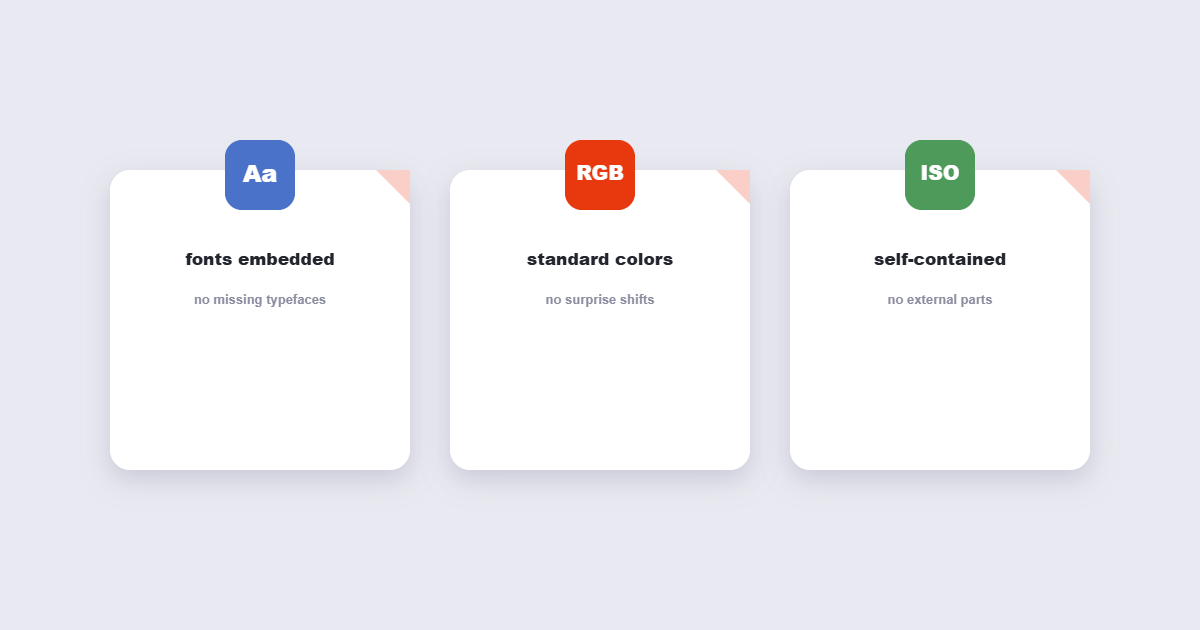
PDF/A is a strict subset rather than a different file type: a PDF/A file is still a PDF, opened by any reader, but it follows rules that regular PDFs don’t have to. Three rules do most of the work. Fonts must be embedded in the file — no exceptions, so a document can’t fall back to a different typeface on a machine that lacks your font. Color must be defined by a standard profile, so a red stamp doesn’t shift to orange on someone else’s printer. And anything that needs external software to work gets removed: JavaScript, audio and video, external links that fetch content, and encryption. The result is a file that is self-contained and predictable. It looks exactly the same on any device, today or decades from now.
Who Actually Requires PDF/A
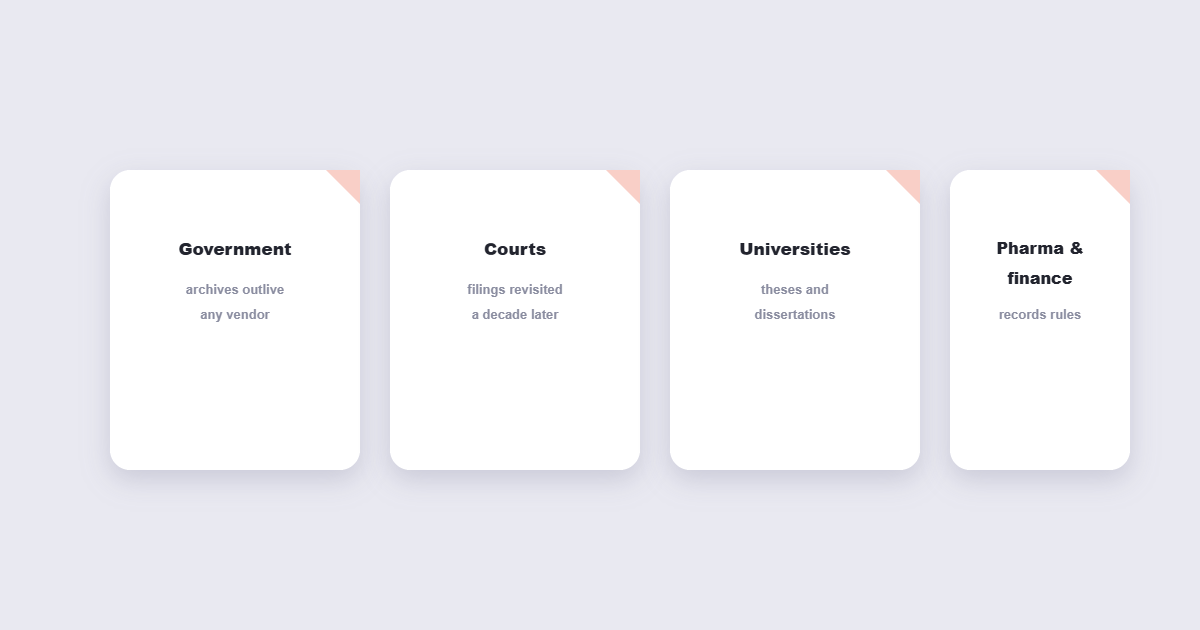
Four groups keep the format alive. Government agencies — tax offices, patent offices, land registries — accept PDF/A because their archives must outlive any vendor. Courts and law firms use it for filings that may be revisited a decade later. Universities require it for theses and dissertations, which is the requirement most people bump into first. And regulated industries — pharma, finance, engineering — archive records under rules that specify PDF/A by name. If you’re not in one of those situations, you almost never need it. For everyday sending and storing, a regular PDF is fine and sometimes better.
What You Lose in the Conversion
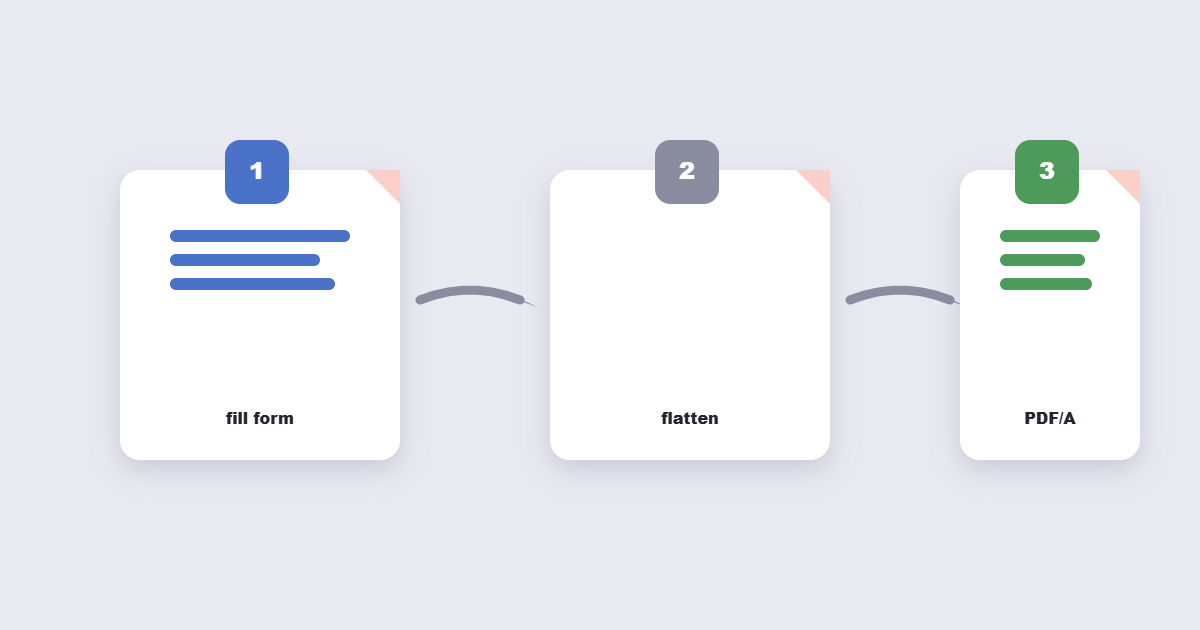
Converting to PDF/A strips the interactive layer: forms stop being fillable, hyperlinks that point to web pages are still shown as text but the click-through is removed in strict profiles, and any embedded media is discarded. That’s the entire point — the format trades interactivity for permanence. This is why the order matters: fill out and finalize a form first, flatten it if needed, and convert to PDF/A last. Converting an empty fillable form to PDF/A destroys the form.
How to Convert a PDF to PDF/A
The free route takes under a minute:
- Open the PDF to PDF/A tool and upload your document.
- Choose the profile if the tool offers one — PDF/A-2b or A-3b is right for almost all cases.
- Convert, download, and open the result to confirm fonts render the way you expect.
Keep the original alongside the PDF/A copy. The original keeps its links and forms, and some systems still accept it.
Regular PDF vs PDF/A at a Glance
| Property | Regular PDF | PDF/A |
|---|---|---|
| Opens in any reader | Yes | Yes |
| Fonts guaranteed | Not always | Always embedded |
| Form fields | Fillable | Removed |
| JavaScript, audio, video | Allowed | Stripped |
| Safe for 50-year archives | Risky | Purpose-built |
| Good for everyday sending | Yes | Usually unnecessary |
Frequently Asked Questions
What’s the difference between PDF/A-1, A-2 and A-3?
They’re generations of the standard. PDF/A-1 (2005) is the strictest and most widely accepted. PDF/A-2 (2011) adds better compression and transparency support. PDF/A-3 (2012) allows attached files inside the archive copy. If a portal doesn’t specify, PDF/A-2b is the safe middle ground.
Does PDF/A increase file size?
Usually yes, slightly — embedding every font adds weight, and if the file used image compression the archive profile may keep a higher-quality copy. A 2 MB PDF commonly becomes 2.5–4 MB. That’s the cost of self-containment, and it’s why archives accept the tradeoff.
Can I edit a PDF/A file later?
Technically you can edit it in a PDF editor, but saving normally converts it back to a regular PDF and breaks the archive compliance. Best practice: edit the working original, then re-convert to PDF/A for the archived version.
Is PDF/A the same as PDF/X?
No — they solve different problems. PDF/A is for long-term archiving; PDF/X is for professional printing, where it guarantees color accuracy and print-ready layout. A print shop asking for PDF/X doesn’t want PDF/A.
PDF/A Compliance Checklist: Before You Submit
If you’ve been told a document must be PDF/A and you’re about to submit it, run through this list first:
- Fill and finalize all form fields first. PDF/A strips interactive fields — any unfilled form becomes a static empty document after conversion. Flatten the form after filling, then convert to PDF/A.
- Check which PDF/A level is required. Government portals often specify PDF/A-1b or PDF/A-2b. When in doubt, A-2b is the safe default — it’s widely accepted and less restrictive than A-1b.
- Remove or accept the loss of digital signatures. PDF/A allows digital signatures in some profiles (PDF/A-2 and A-3), but not PDF/A-1. If the document must carry a verifiable signature and meet PDF/A-1, check the specific portal requirements carefully.
- Verify the result opens correctly. Download the converted file and open it. Fonts that weren’t embedded in the original sometimes substitute during conversion — if a heading font changed, the conversion picked a fallback.
- Keep the working original. Once you convert to PDF/A, editing for re-submission means editing the original and re-converting, not modifying the PDF/A file.
PDF/A vs Other PDF Standards
PDF/A is one of several ISO-standardised PDF subsets. Knowing which is which prevents sending the wrong format:
| Standard | Purpose | Who requires it |
|---|---|---|
| PDF/A | Long-term archiving — self-contained, no external dependencies | Government, courts, universities, regulated industries |
| PDF/X | Print production — guarantees color accuracy and bleed settings | Print shops, publishers, press-ready workflows |
| PDF/E | Engineering — supports 3D models and technical drawings | CAD and engineering document exchange |
| PDF/UA | Universal accessibility — screen-reader compatible structure | Public sector, accessibility-compliant documents |
| PDF/VT | Variable data printing — personalised mass documents | Direct mail, transactional printing |
A print shop asking for PDF/X-4 does not want PDF/A — they are solving a different problem. PDF/UA is increasingly required alongside PDF/A for public sector submissions in some jurisdictions, meaning a document must meet both standards simultaneously.
The Short Version
PDF/A is the belt-and-braces archival format: fonts embedded, colors fixed, interactive parts stripped, so the file opens identically decades from now. Convert only when an institution asks for it or you’re archiving something that must outlive its software. Fill forms first, flatten if needed, convert last, and keep the original. When a portal specifies a level, match it exactly — PDF/A-1b and PDF/A-2b are not interchangeable in all systems.