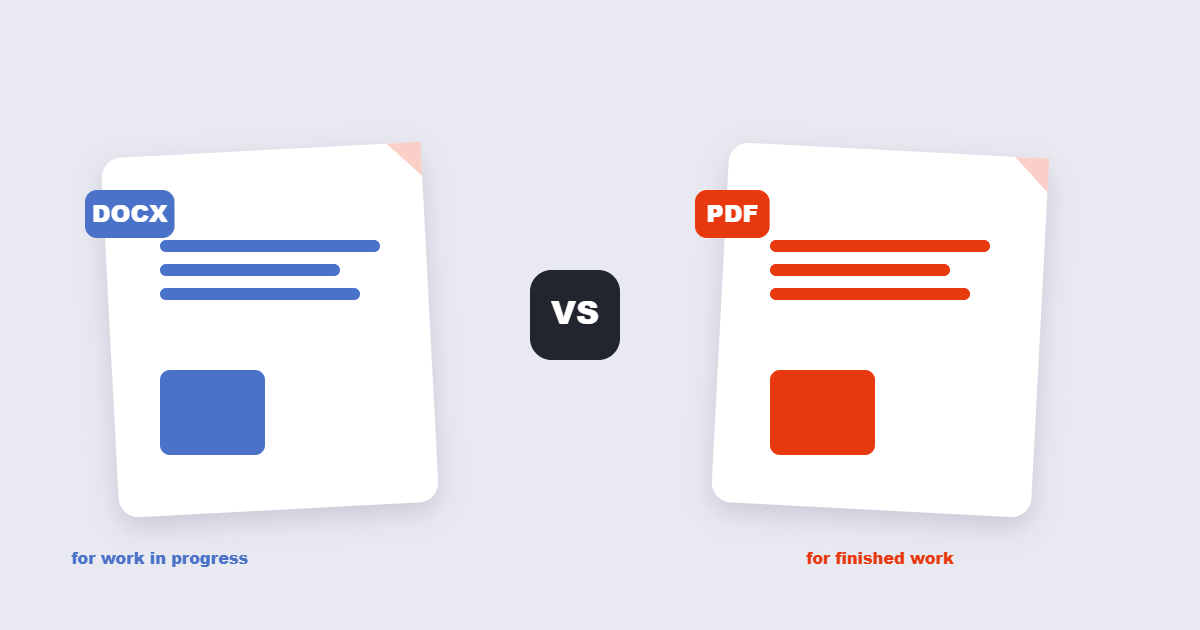
Someone asks you to “send it as a PDF” and someone else asks for “the Word file” – and both think their format is obviously right. Neither is. PDF and DOCX solve two different problems: one freezes a document so it looks identical everywhere, the other invites editing. Picking the wrong one doesn’t just look sloppy – it can get your resume misread by an applicant tracking system or your contract edited behind your back. Here’s how to choose in about ten seconds.
Table of Contents
- What Is the Actual Difference Between PDF and DOCX?
- When Should You Use a PDF?
- When Should You Use a DOCX?
- PDF vs DOCX at a Glance
- Which Format Should a Resume Be?
- Why Does My Word Document Look Different on Other Computers?
- Can You Convert Between Them Without Losing Something?
- The Decision Table: What Are You Sending?
- Frequently Asked Questions
- The Short Version
What Is the Actual Difference Between PDF and DOCX?
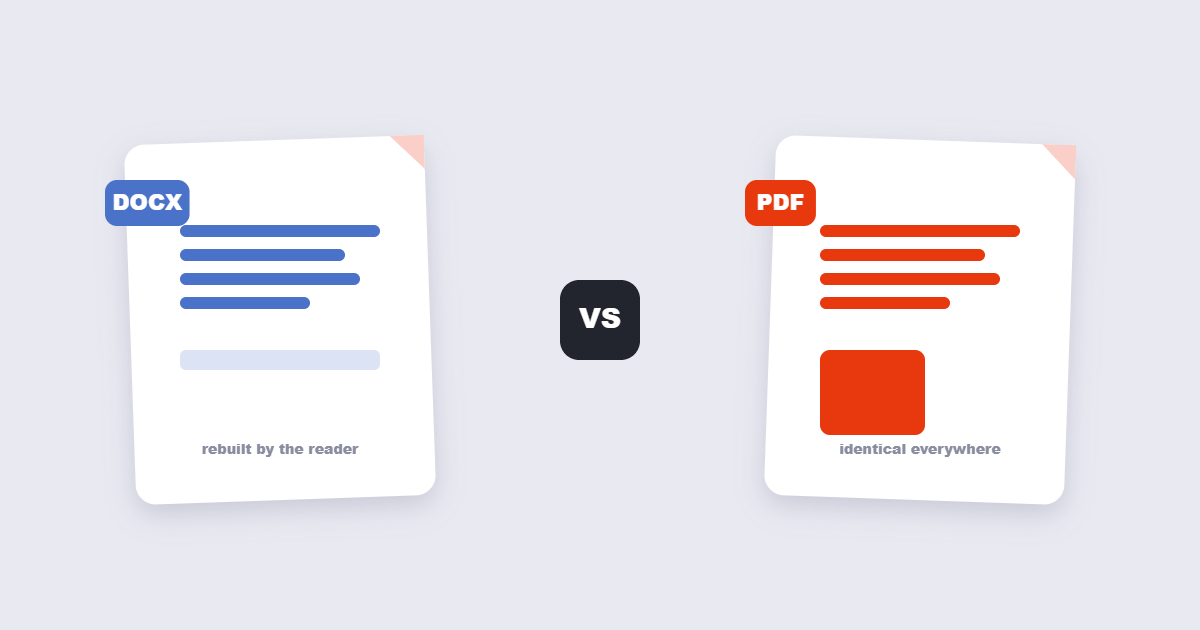
A DOCX file is a recipe: it tells the word processor “put this text here, in this font, with this spacing” and trusts the software to rebuild the page on screen. A PDF is a photograph of intent: the layout is fixed, fonts are embedded, and every reader sees the same page. PDF became an open ISO standard (ISO 32000) in 2008, which is why every operating system can render it without Adobe’s software (ISO.org). DOCX is standardized too – it’s the ECMA-376 Office Open XML format (ECMA International) – but the standard describes the file, not how it renders. Two programs can open the same DOCX and disagree about line breaks.
When Should You Use a PDF?
Use PDF whenever the document’s appearance is part of its meaning. Contracts, invoices, certificates, brochures, scanned forms, anything for print – these all belong in PDF because the receiver needs to see exactly what you approved. PDF also wins for archives: fonts travel inside the file, so the document opens the same way in ten years. And PDF is the polite format for strangers: nobody wants to open your resume and trigger the “reflowing document…” spinner in a word processor. If you need to shrink a heavy PDF before sending it, the PDF compressor handles that in a few seconds.
When Should You Use a DOCX?
Use DOCX whenever the document is still alive. Drafts, collaborative reports, anything with tracked changes or comments, anything someone will edit next week – these should stay in Word format. Converting a draft to PDF “for safety” is how teams end up retyping entire sections. DOCX is also friendlier to template workflows: mail merges, stylesheet-driven formatting and fields only behave properly in a word processor. The honest rule: DOCX for work in progress, PDF for work that’s done.
PDF vs DOCX at a Glance
| Property | DOCX | |
|---|---|---|
| Layout | Fixed – identical everywhere | Fluid – depends on software and fonts |
| Editing | Hard by design | The whole point |
| File size | Often larger (fonts embedded) | Usually smaller for text documents |
| Fonts | Travel inside the file | Must be installed on the reader’s machine |
| Best for | Contracts, print, archives, resumes | Drafts, collaboration, templates |
| Security | Passwords, permissions, flattening | Basic protection, easily stripped |
Which Format Should a Resume Be?
Here’s the contrarian answer: it depends on who reads it first. Human recruiters should get a PDF – your carefully chosen layout survives, and nothing shifts. But many application portals run your resume through an applicant tracking system (ATS) before a human ever sees it, and older parsers handle PDFs badly: columns scramble, bullets vanish. That’s why resume experts often recommend submitting DOCX when a portal asks for it and PDF when you email a person directly. My honest take: if the posting says “PDF preferred,” send a PDF; if the form has a “parsing” or “profile import” step, send DOCX. When in doubt, bring both – it costs nothing.
Why Does My Word Document Look Different on Other Computers?
This is the DOCX pain point that pushes people to PDF. A DOCX references fonts by name; if the reader’s machine doesn’t have that font, the word processor quietly substitutes a different one, and the substitution changes spacing, line breaks and page counts. Microsoft’s own documentation acknowledges font availability as the classic layout-breaker (Microsoft Support). PDF sidesteps this by embedding the actual font glyphs in the file. If your document depends on precise layout – a certificate, a flyer, a signature page – DOCX will eventually betray you on someone else’s machine.
Can You Convert Between Them Without Losing Something?
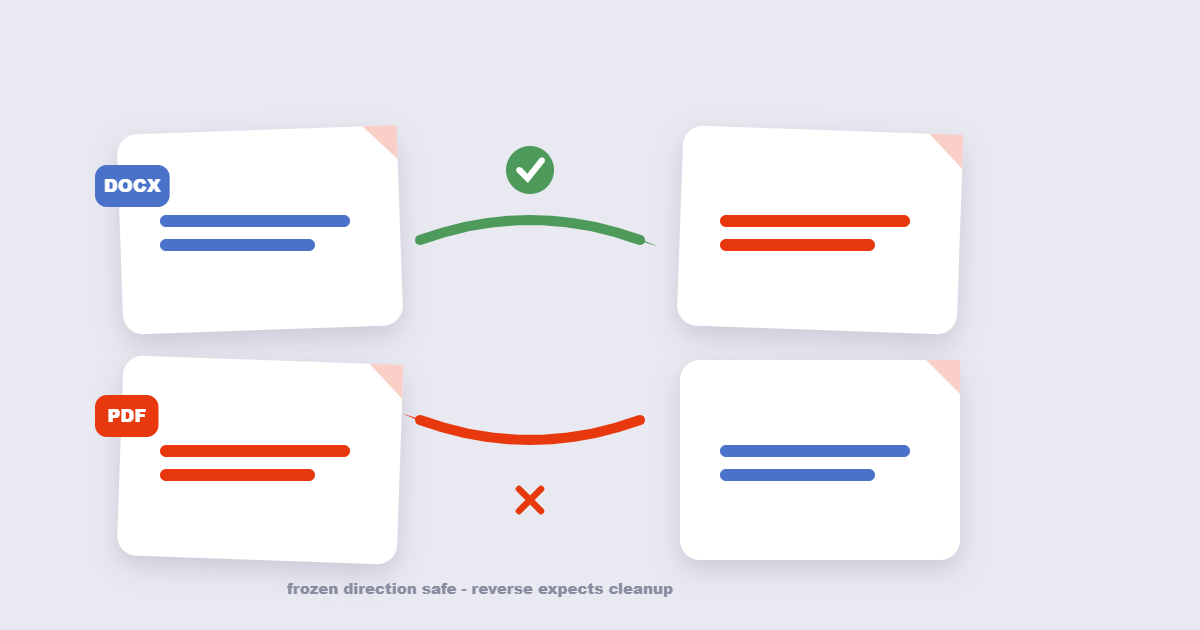
Yes, but set expectations. DOCX to PDF is the safe direction: the layout gets frozen, fonts get embedded, and what you saw is what they get. Our Word to PDF converter does this in one drag-and-drop. PDF back to DOCX is the risky direction: the converter has to reverse-engineer structure from fixed geometry, so complex tables, multi-column layouts and decorative fonts usually need cleanup. The PDF to Word tool gets plain documents nearly perfect and complicated ones 80% there. Never convert a working DOCX to PDF and back and call it the same file – that’s a photocopy of a photocopy.
The Decision Table: What Are You Sending?
| You’re sending… | Format | Why |
|---|---|---|
| Resume to a human | Layout survives, looks intentional | |
| Resume to an ATS portal | DOCX | Parsers read it more reliably |
| Contract for signature | Terms can’t drift or shift | |
| Report still in review | DOCX | Comments and tracked changes work |
| Invoice or receipt | Print-ready, tamper-resistant | |
| Design-heavy flyer | Fonts and colors embedded | |
| Anything someone will edit | DOCX | Don’t create cleanup work for them |
Frequently Asked Questions
Is PDF better than Word?
Better at different jobs. PDF preserves layout and is hard to edit; DOCX is easy to edit and layout is approximate. Matching the format to the task beats declaring a winner.
Can I convert PDF back to DOCX without losing formatting?
Partially. Simple documents convert well; complex tables, columns and unusual fonts usually need manual cleanup. Our guide to PDF to Word conversion covers what survives and what doesn’t.
Is a PDF smaller than a DOCX?
Usually the opposite for text-only documents: PDF embeds fonts and fixes layout, which adds weight. Scanned PDFs are the exception – those can be enormous until compressed.
Can a PDF be edited?
Yes, with the right tools – text boxes, images and form fields can all be changed. But it’s editing a photograph, not editing a recipe: expect to work around the layout rather than through it. See our guide on editing PDFs for free.
Which format do employers prefer for resumes?
Job boards that parse resumes into profiles tend to prefer DOCX; email submissions look better as PDF. When a posting specifies one, follow the posting – the preference is there for a reason.
Why does my PDF look different from my Word document?
Conversion re-renders the document through a different layout engine. Margins, fonts and spacing shift slightly. For critical documents, compare the PDF against the original page by page before sending.
The Short Version
DOCX is for making; PDF is for delivering. Anything still changing stays in Word. Anything finished, formal or layout-sensitive becomes a PDF. And when a document has to survive both worlds – draft in DOCX, deliver as PDF – our Word to PDF converter and PDF to Word tool cover the round trip.